Watch vlogsseriesmusicgameplayK-popinterviewslessonsmusic videoschallenges
in another language. And get every word.
Telidioma puts subtitles in the language you are learning and in your own language on YouTube videos. Click a word or phrase and see the translation right away, without leaving the video.
 Telidioma
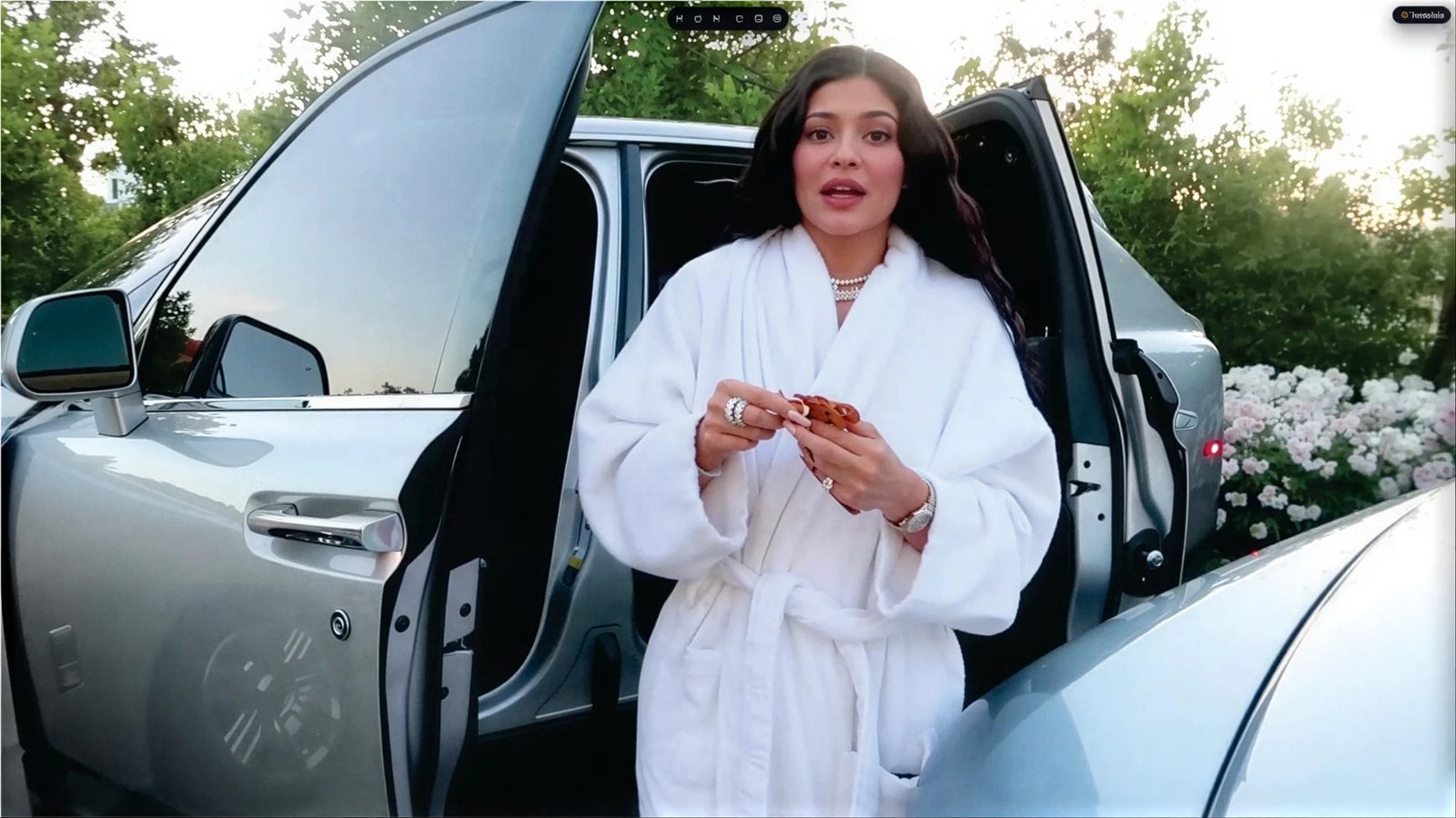
 Dual subtitles, synced with the speech
 The language in videos is not the language in textbooks.
People talk fast, blend words together and use slang. With Telidioma you learn from the real lines in the videos you already watch, not from made-up textbook sentences.
You understand half the video and get lost when they talk fast.
You learn a word today and forget it tomorrow.
You start a course full of energy and quit in the second week.
Three steps and you are already learning.
Install the extension
One click on the Chrome Web Store. Free to start, no card needed.
Open a video
Any YouTube video with subtitles becomes study material: music video, series, vlog, interview.
Click and learn
Click the words you do not know. The translation shows up right away and the word is saved for review.
Way more than translation.
Understand, remember and improve, while you watch what you love.
Dual subtitles
Both languages on the same screen, synced with the speech.
Click and understand
Click a word and see the translation, the meaning and an example right away.
Whole phrases
Not just single words: select the whole phrase and see what it means.
False friend alert
Warns you when a word is a trap, like “éxito”, which means success and not exit.
My vocabulary
The words you save become flashcards with spaced repetition.
Pronunciation
Hear every word at the speed you prefer.
A word only sticks if it comes back at the right time.
Without review, we forget almost everything within a few days. Telidioma brings each word back just before you would forget it, and every review keeps it in your memory for longer.
Illustration of the Ebbinghaus forgetting curve. Not Telidioma data.
Works with what you already love.
Any YouTube video with subtitles becomes a lesson: music videos, series, vlogs, interviews, gameplay and much more.
 K-pop and BTS
 K-dramas and Korea
 Music and music videos
 Travel
 Routine and study
 Series and movies
 Celebrities
 Challenges and comedy
 Sports and games
 Science and inventions
More and more people understanding what they watch.
Telidioma numbers since August 2026.
Less than R$ 0.50 a dayLess than 15 cents a day
to understand what you watch.
Try it free and subscribe when you want it without limits.
Telidioma complete
Everything unlocked, on every YouTube video
US$ 44.90 once, with Pix or cardby card. No automatic renewal.Charged monthly by card. Cancel anytime.
- Unlimited translations on every YouTube video
- Dual subtitles and whole phrase selection
- My vocabulary with flashcards and review
- Pronunciation with adjustable speed
What is Telidioma?+
A Google Chrome extension that adds subtitles in the language you are learning and in your own language to YouTube and Netflix. You click a word or phrase and see the translation, the meaning and an example, without leaving the video.
Which languages can I learn?+
English, Spanish, French, German, Italian, Japanese and Korean. The translations and explanations show up in your own language, and you can switch both in the extension settings.
Which videos does it work on?+
Any YouTube video that has subtitles in the language you are studying, plus movies and series on Netflix with your own account: music videos, series, vlogs, interviews, lessons and gameplay.
Is it good for beginners?+
Yes. With your own language on screen you understand the video from day one, and the explanations adapt to your level. More advanced learners use it only for the hard words.
How do I install it?+
Click Install free, add it on the Chrome Web Store and you are done: open a YouTube video and the Telidioma subtitles show up. It works in Chrome on a computer.
What can I do for free?+
You install it with no card and use dual subtitles with a few translations a day. The subscription unlocks everything without limits.
How do I cancel?+
The yearly plan is a single charge with no automatic renewal. You can cancel the monthly one anytime from your account, and access continues until the end of the month you paid for. You also have 7 days to change your mind and get your money back.
Is my data safe?+
We do not sell your data and we do not show ads. Payment is handled by Stripe, and your card number never goes through our servers. The details are in the privacy policy.
Your next video can be your next lesson.
Install Telidioma and start truly understanding what you watch. It takes a minute and needs no card.